> ## Documentation Index
> Fetch the complete documentation index at: https://gcore-doc-1256a.mintlify.site/llms.txt
> Use this file to discover all available pages before exploring further.
# Set up a PTR record
A PTR record maps an IP address to a domain name, as opposed to an A record which points a domain name to an IP address.
## What is a PTR record used for?
PTR records are normally used for outbound email servers, since incoming mail servers may not accept a message from an IP address that doesn't identify itself with a PTR record. A PTR record that matches the domain name from which an email was sent is one of the signals that the email shouldn't be marked as spam.
## Set up a PTR record
1. Navigate to the **Virtual private servers** or **Dedicated servers** section in the left-side menu.
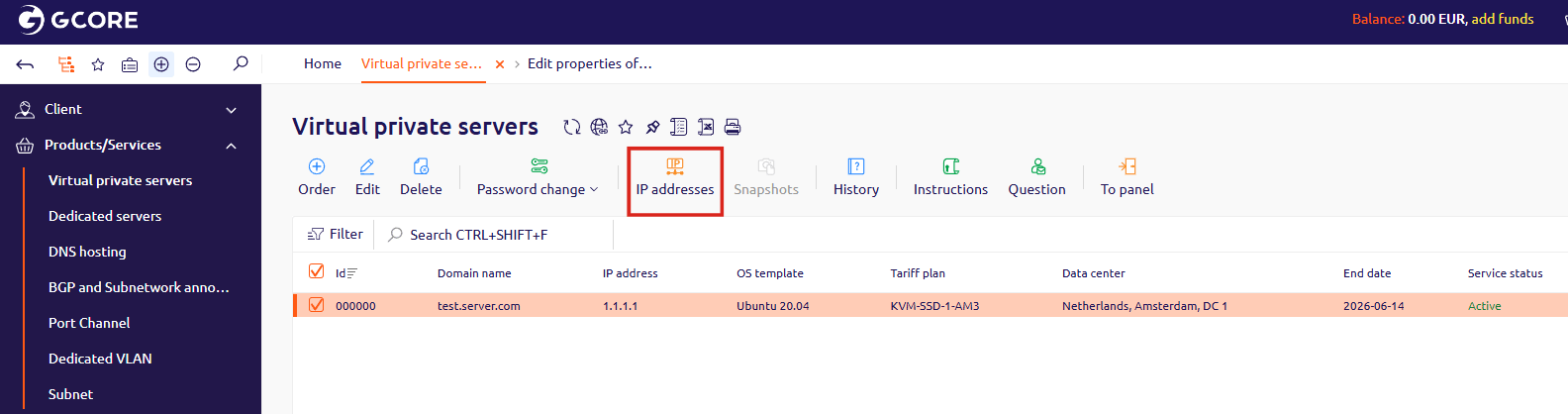
2. Select the checkbox next to the server you want to edit PTR records for, then click **IP addresses**.
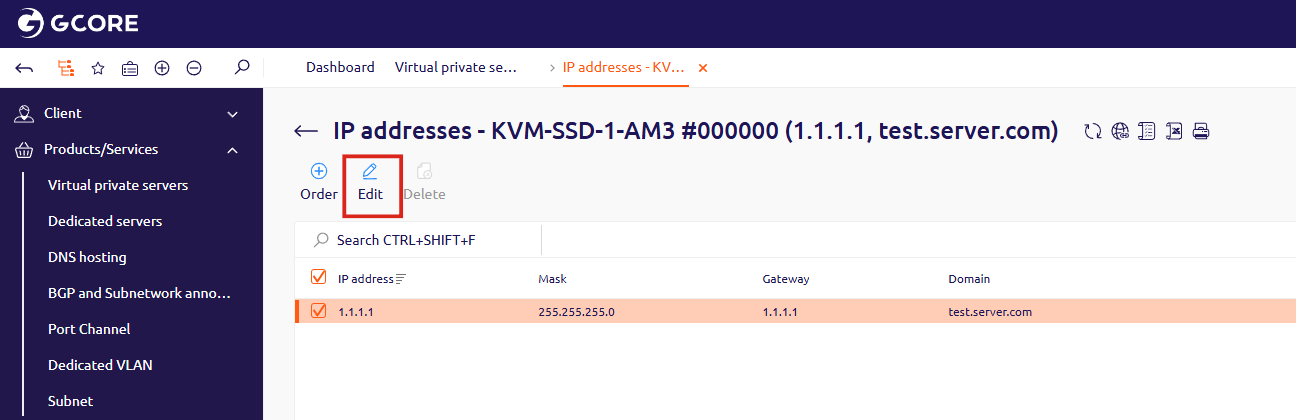
 3. In the window that opens, select the checkbox next to the IP address you want to edit, then click **Edit**.
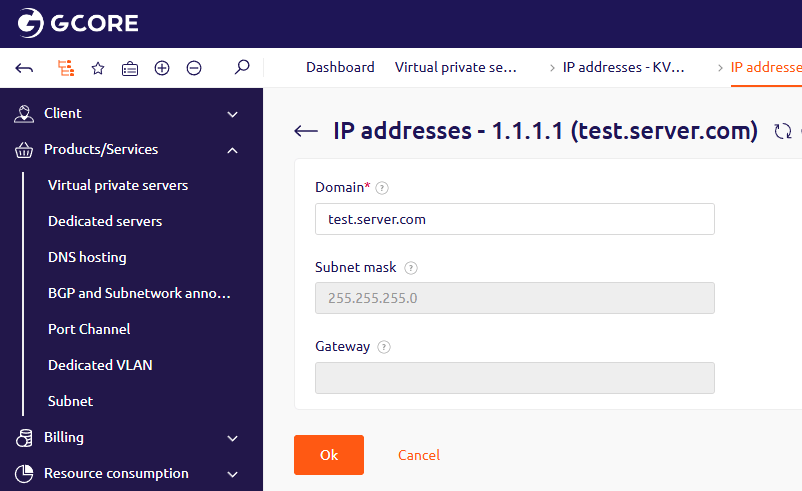
 4. Enter a domain name in the **Domain** field and click **OK**. The PTR record will be created automatically.